Turn Two iPhones Into a Remote Camera System
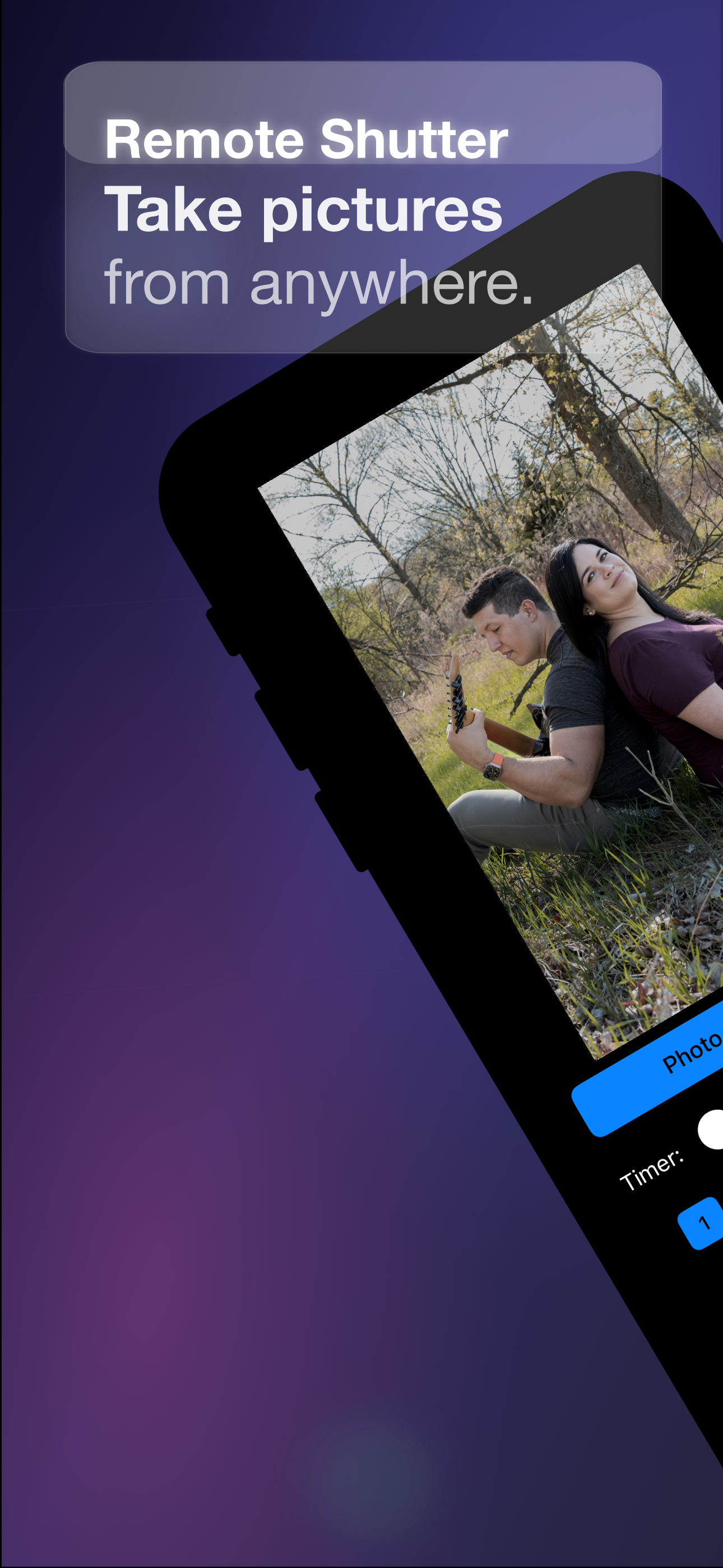
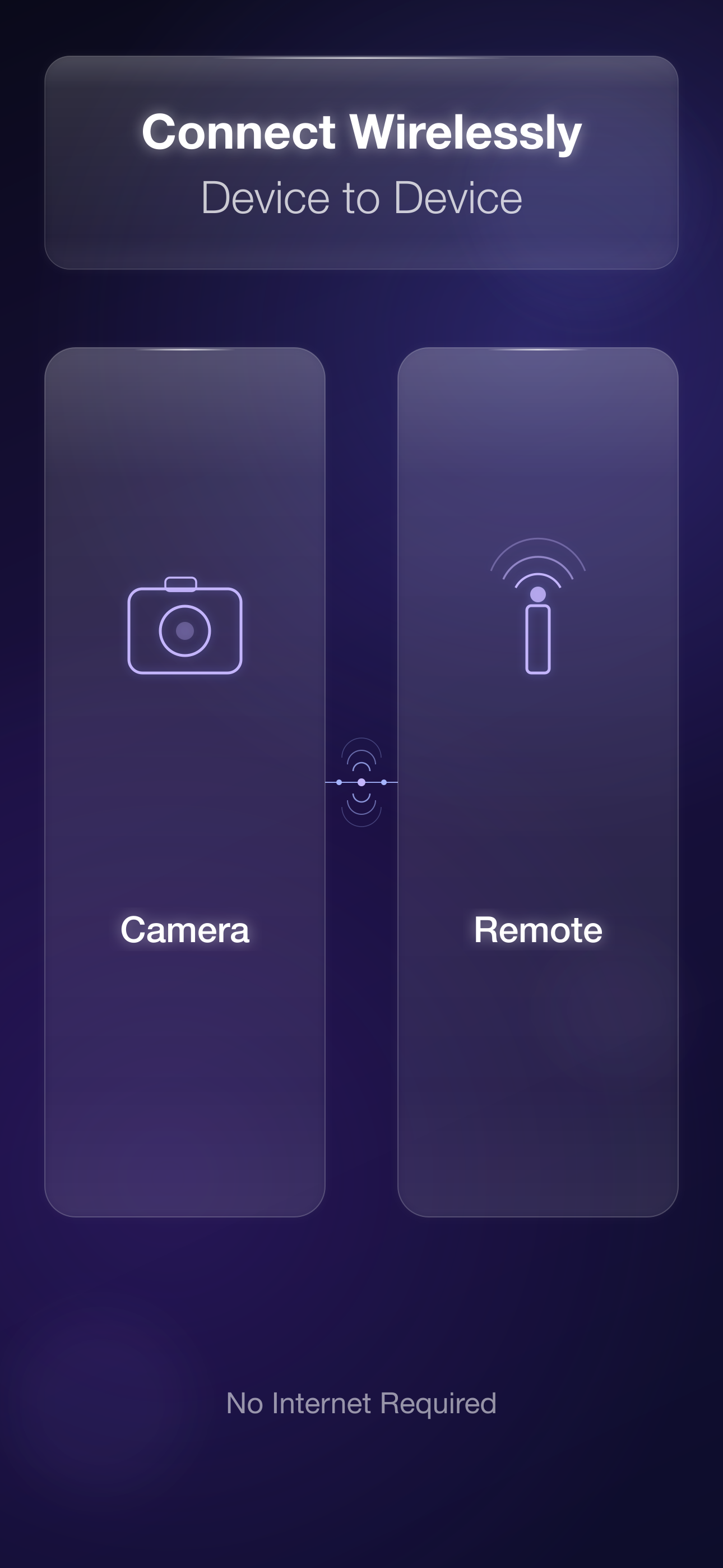
Remote Shutter connects two Apple devices wirelessly — one becomes the camera, the other your remote control with a live preview.

Features
Live Preview
See exactly what the camera sees on your monitor device in real time with low-latency streaming.
Remote Photo Capture
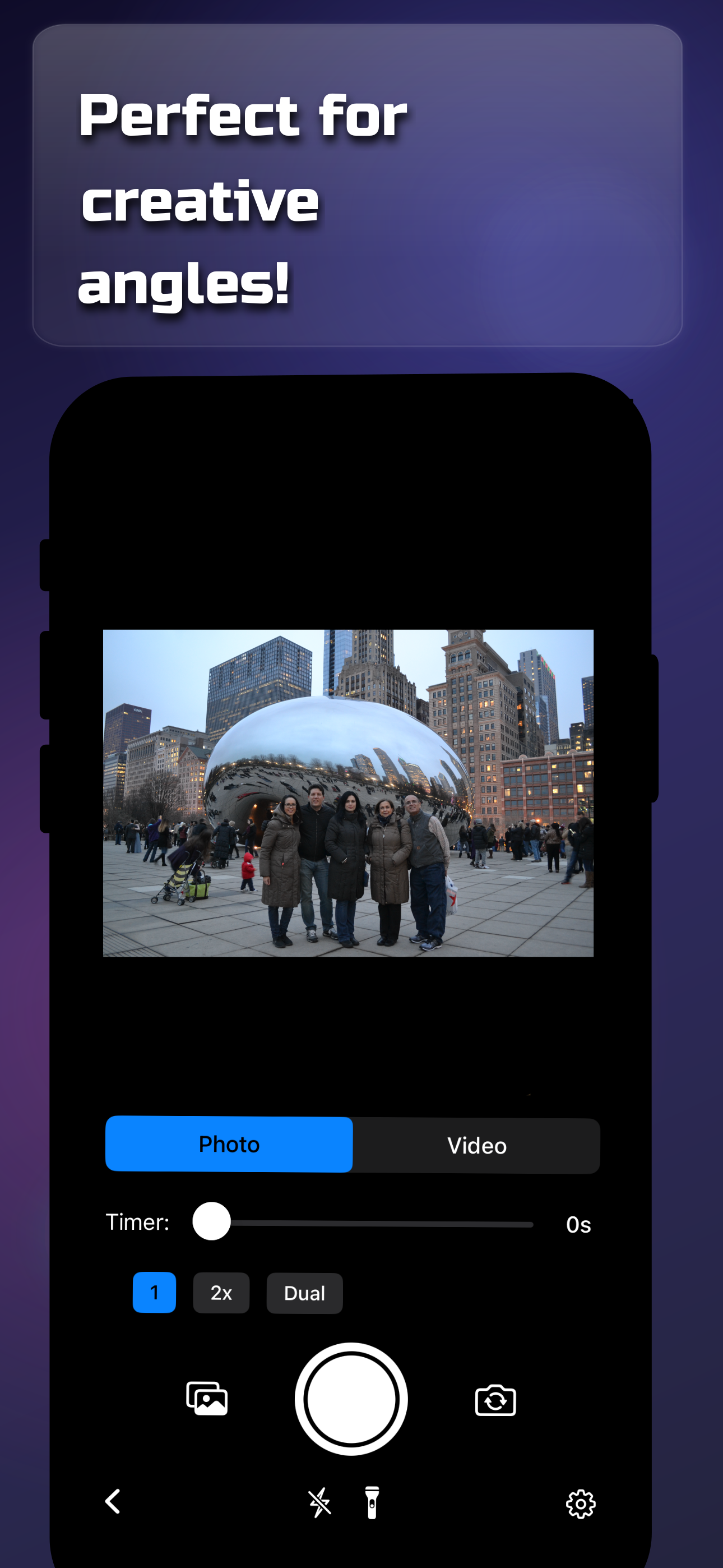
Take photos remotely — perfect for group shots, wildlife photography, or hard-to-reach angles.
Remote Video Recording
Start and stop video recording from your monitor device with full control over the process.
Peer-to-Peer Connection
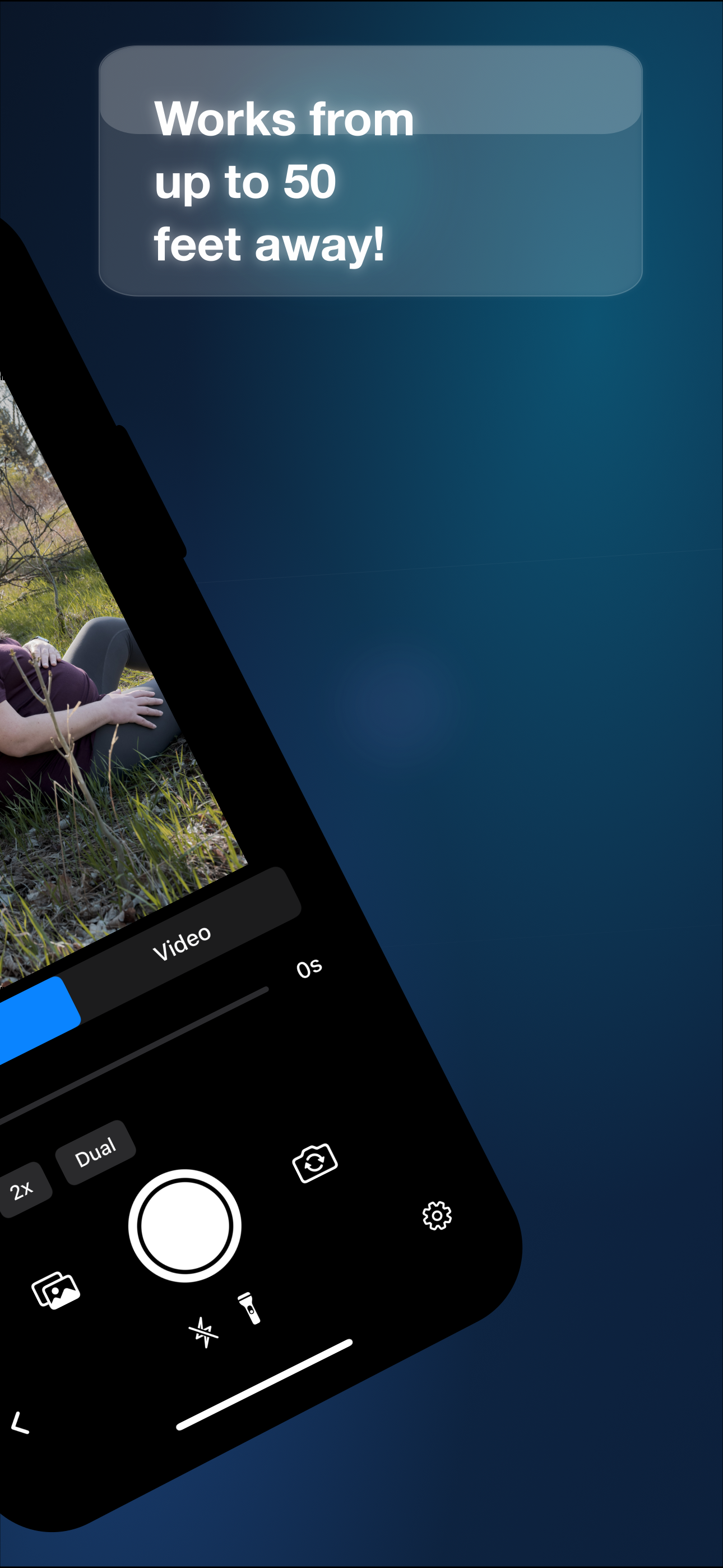
No internet required. Devices connect directly via peer-to-peer networking — works anywhere.
Flash & Camera Control
Toggle flash, switch between front and rear cameras, and change lenses — all from the remote.
No Account Needed
Just install on two devices and connect. No sign-ups, no cloud, no fuss.
How It Works
Install on Two Devices
Download Remote Shutter on both Apple devices.
Connect
The devices discover each other automatically via peer-to-peer networking.
Choose Roles
Pick which device is the camera and which is the monitor/remote control.
Shoot
See the live preview and capture photos or videos remotely.
Blog
Tips, updates, and photography ideas. Read all posts